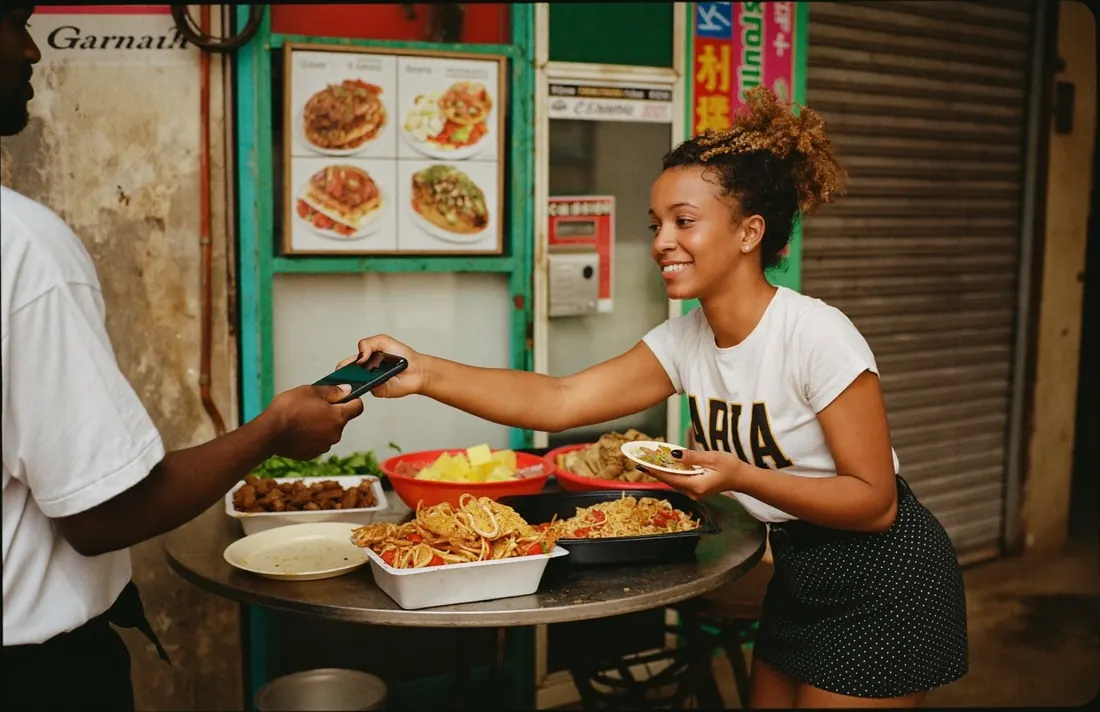
A customer paying on a Sao POS terminal at a restaurant table

One terminal for cards, wallets and cash.

  • Accept

    Cards, wallets, QR and cash on one screen.

  • Receipts

    Printed or SMS receipts, every time.

  • Reports

    Know your day before you close.

A counter terminal that takes cards, Sao Wallet, other mobile money and cash, prints receipts and settles to your bank account every day. Built for shops, restaurants and pharmacies.

Available in🇬🇭 Ghana🇱🇷 Liberia🇸🇱 Sierra Leone🇬🇲 The Gambia
All dayon one battery charge
Dailysettlement to your bank
4ways to pay on one terminal
2 tapsto refund a payment

Licensed by the Bank of Ghana · Daily settlement · Receipts included

What you can do

Everything your counter needs, in one device.

Accept

Cards, wallets, QR and cash on one screen.

Tap a card, scan a Sao QR, accept other mobile money or record a cash sale. Every payment lands in one daily report.

  • Visa, Mastercard and contactless
  • Sao Wallet and other mobile money
  • Cash sales recorded too
Receipts

Printed or SMS receipts, every time.

Print a receipt from the terminal or send it by SMS. Refunds go back the same way the customer paid.

  • Printed and SMS receipts
  • Refunds in two taps
  • Tips and split bills for restaurants
Reports

Know your day before you close.

See sales by hour, by payment type and by till in the Sao Pay app. Export for your accountant in one tap.

  • Daily and weekly reports
  • Multiple tills, one account
  • Export to CSV
The Sao POS terminal on a shop counter
Compact, wireless, all day on one charge

The Sao POS terminal has a colour screen, a receipt printer and a SIM, so it works anywhere with mobile signal.

Who it is for

Built around your counter, from a chop bar to a supermarket.

Restaurants, pharmacies, supermarkets, fuel stations and boutiques use Sao POS. If you have a registered business, you can order a terminal today.

Availability by countrySet for each country
  • 🇬🇭 GhanaLive
  • 🇱🇷 LiberiaLive
  • 🇸🇱 Sierra LeoneLive
  • 🇸🇹 São Tomé and PríncipeComing 2027
  • 🇬🇲 The GambiaLive
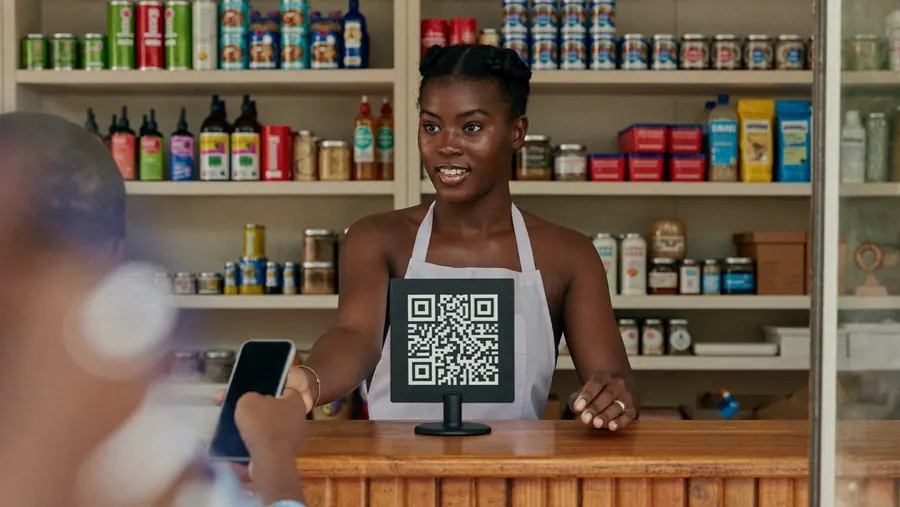
A pharmacist at her counter

How to get it

Get a terminal on your counter this week

  1. 1

    Order in the app or with sales

    Tell us your business and how many tills you need.

  2. 2

    We deliver and set up

    A Sao agent delivers the terminal and trains your staff in 30 minutes.

  3. 3

    Start taking payments

    Your first settlement lands the next business day.

Your questions

Common questions about Sao POS

Visit the help centre
Do I need internet at my shop?

No. The terminal has its own SIM, so it works anywhere with mobile signal.

Can I have more than one terminal?

Yes. You can run several tills on one account and see sales for each till in your reports.

How fast is settlement?

Settlement goes to your bank account every day. Your first settlement lands the next business day.

Can I take cash sales too?

Yes. Record cash sales on the terminal so that every sale appears in one daily report.

What if the terminal breaks?

Contact Sao support and we will help you get it working or arrange a replacement.

Put Sao POS on your counter.

One terminal, every payment, daily settlement.

Join the Beta.

Sao Wallet is in beta. Install the test app on your phone and try it before launch. You can open your account with a phone number and a valid ID.

Android · Google PlayAndroid · Google PlayiPhone · TestFlightiPhone · TestFlightOn a computer? Scan the code for your phone.

Cookie settings

Reject and accept carry the same weight. You can change your choice at any time from the footer.

Read the cookie policy